Light and time of day
Turn flat indoor light into warm late-afternoon sun, soften a harsh flash, or lift a photo that came out darker than the room felt. Say which light you want and where it should fall.
Edit any photo by describing the change.
Upload a photo, write one sentence, then pick 1K, 2K or 4K before the edit runs.
Underlying model: gpt-image-2-5-sunburst-image-to-image. Outputs are AI-generated. Review accuracy and usage rights before use.
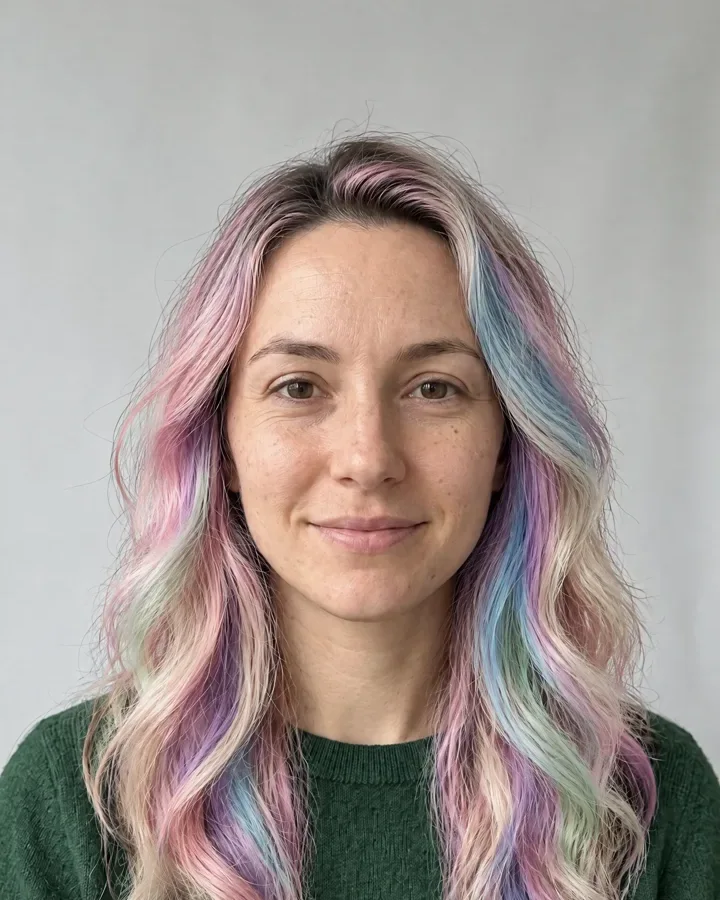
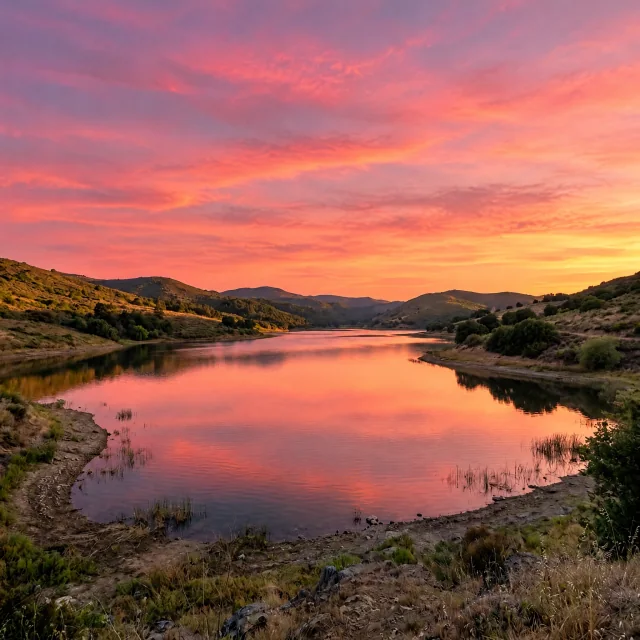
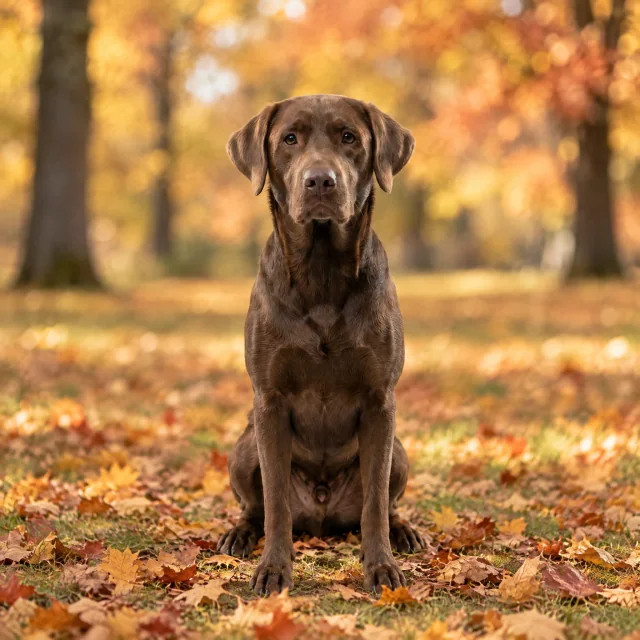
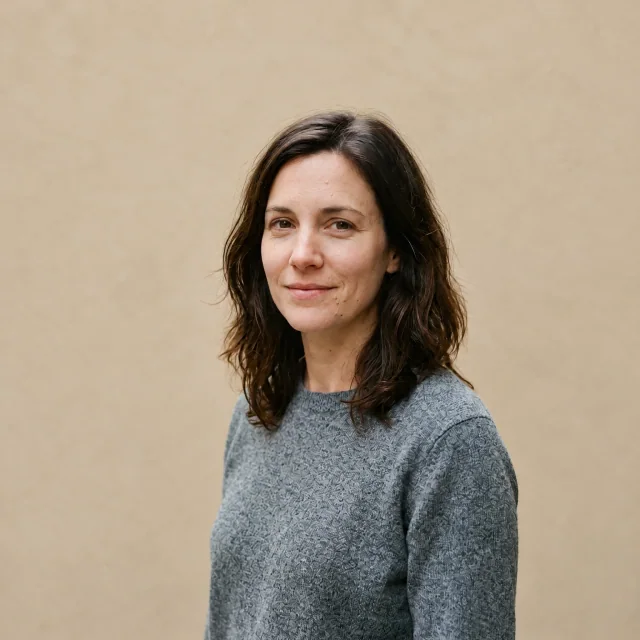
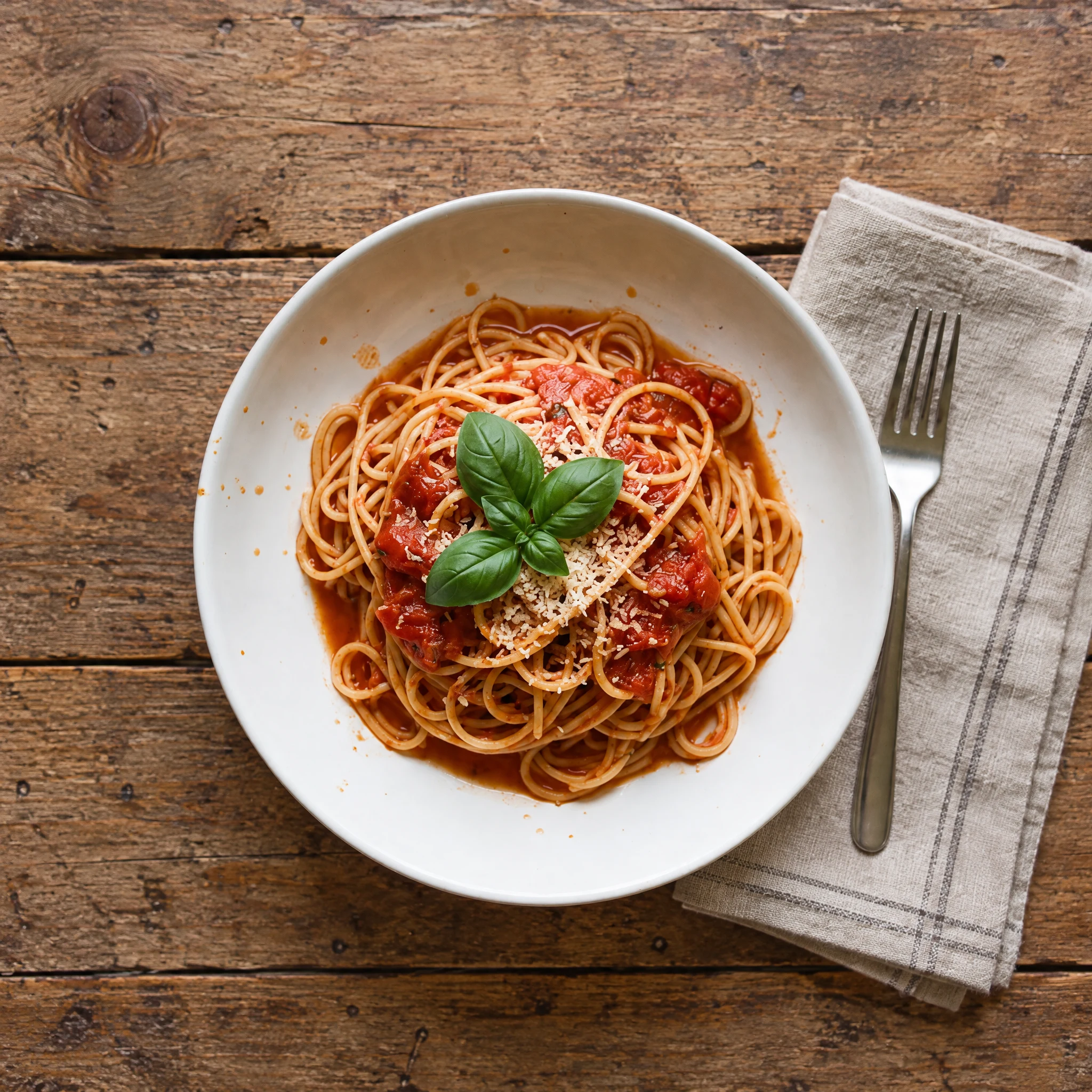
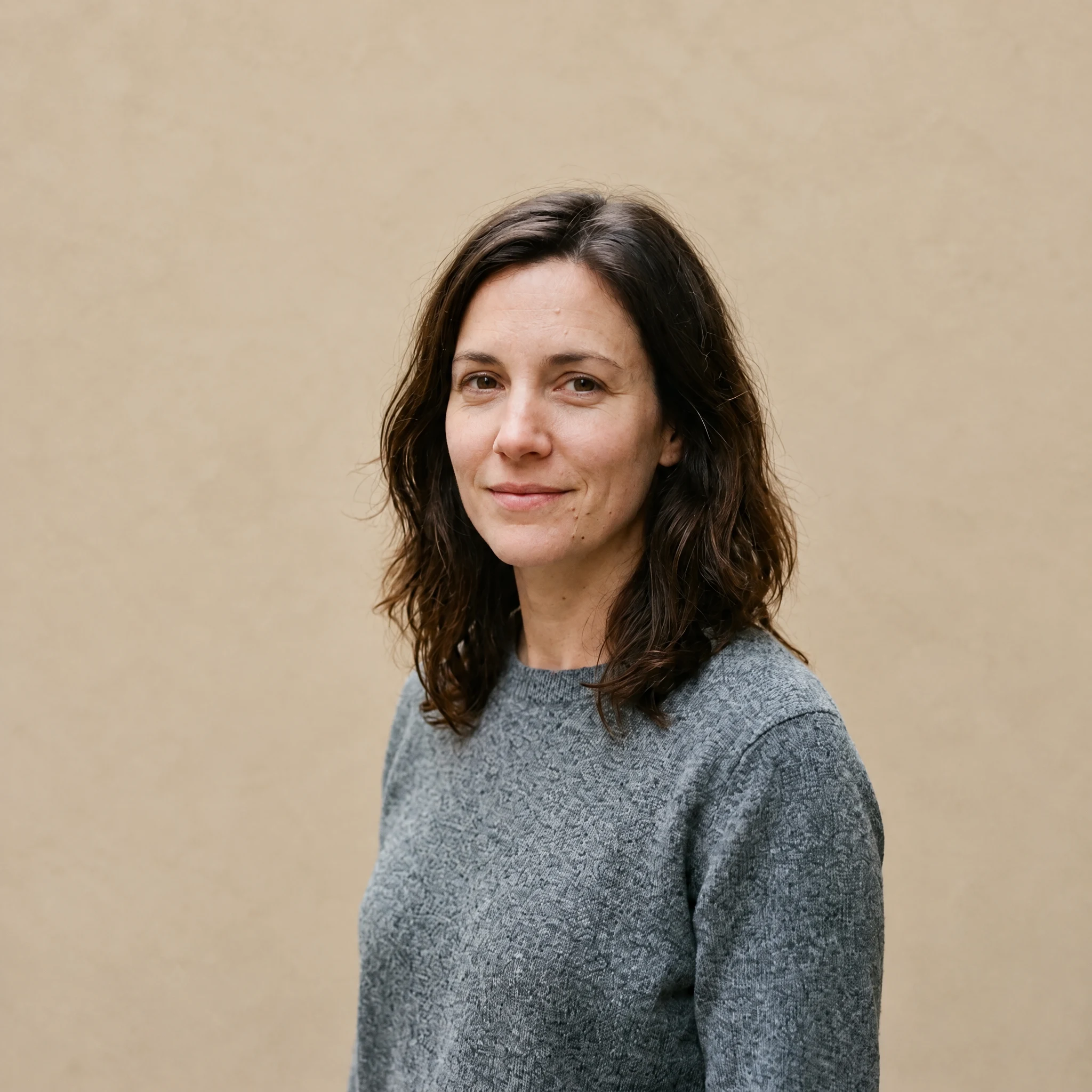
Six photos edited with this tool. Each pair is the photo that went in and the picture that came back, at 2K, with the sentence that produced it underneath.
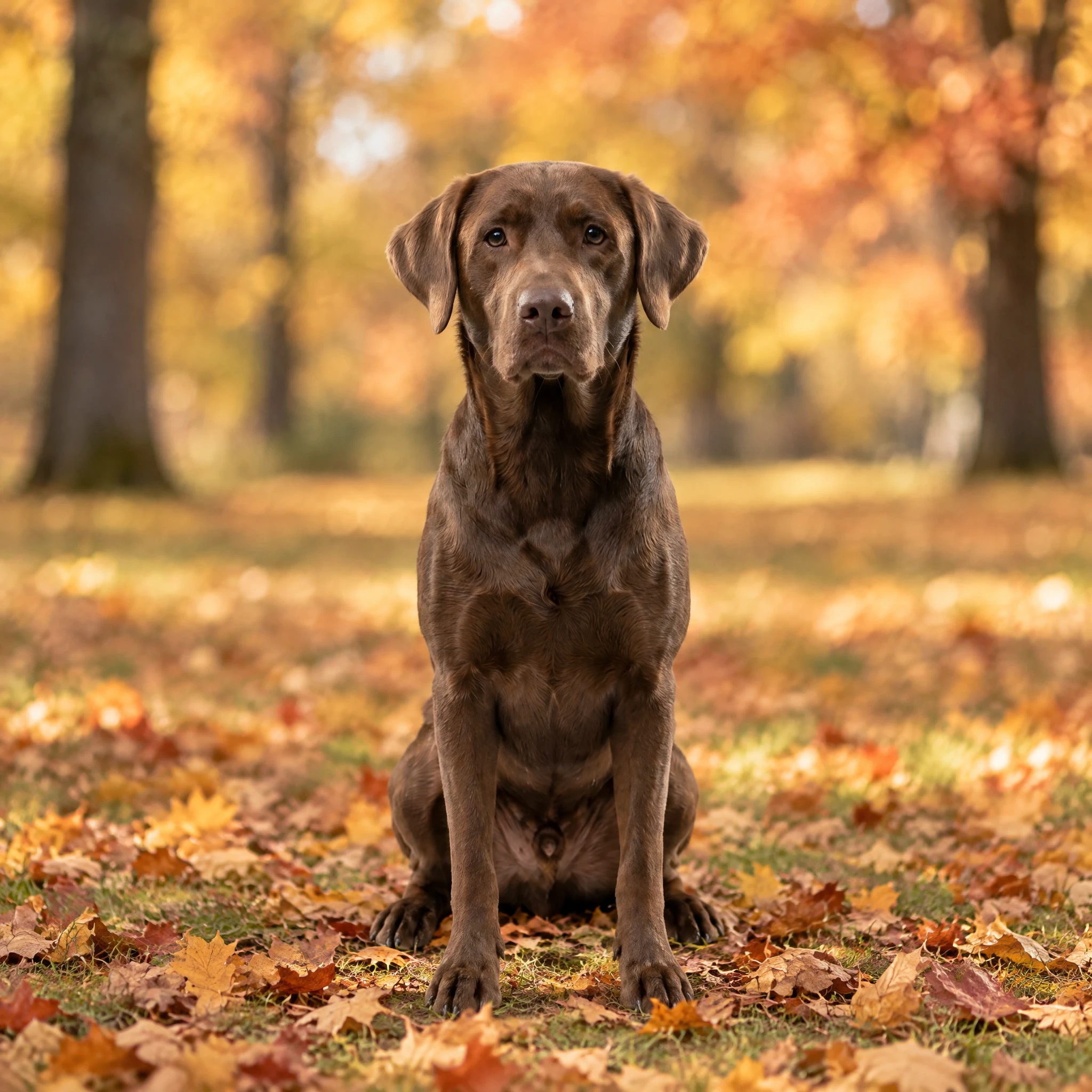
 Before
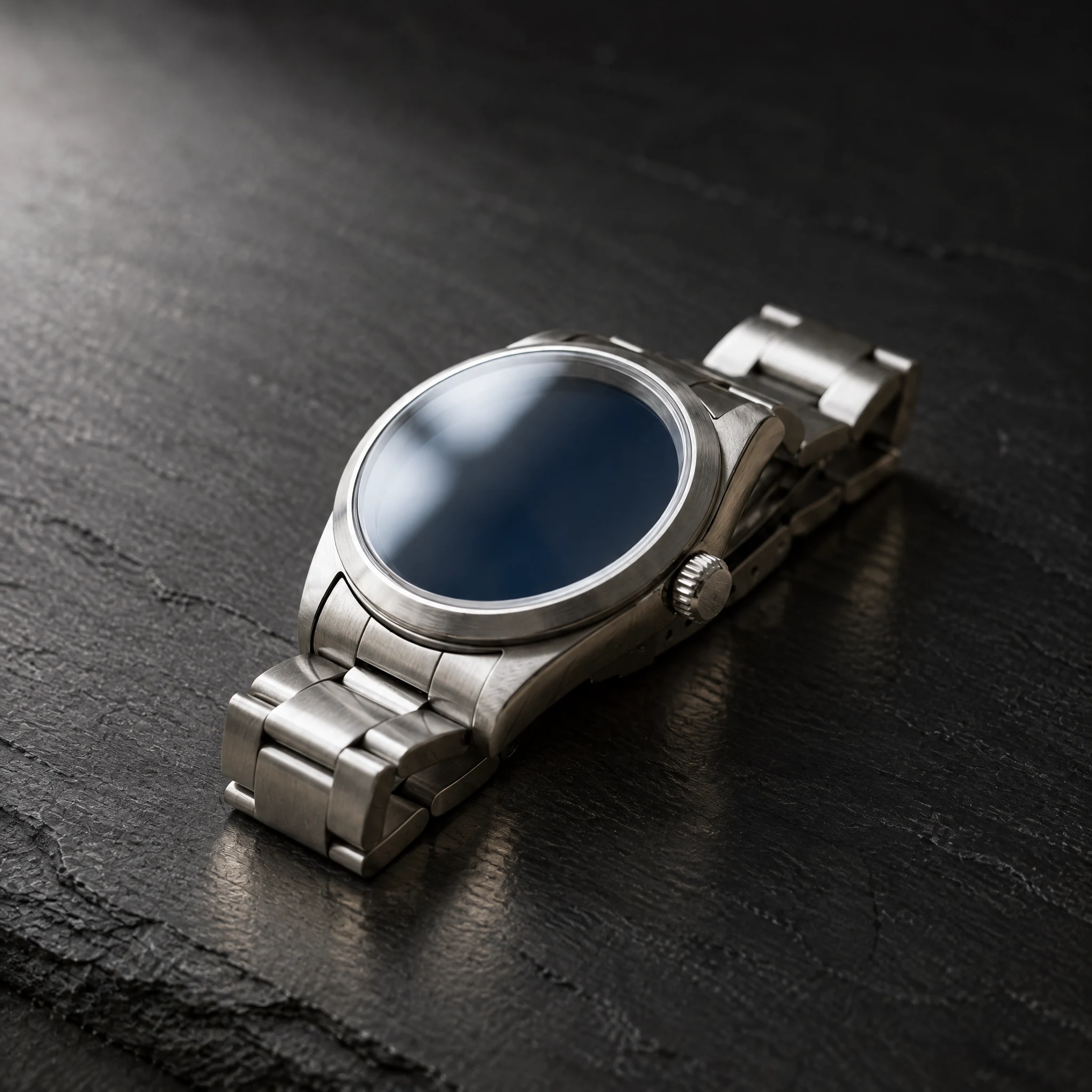
 Before
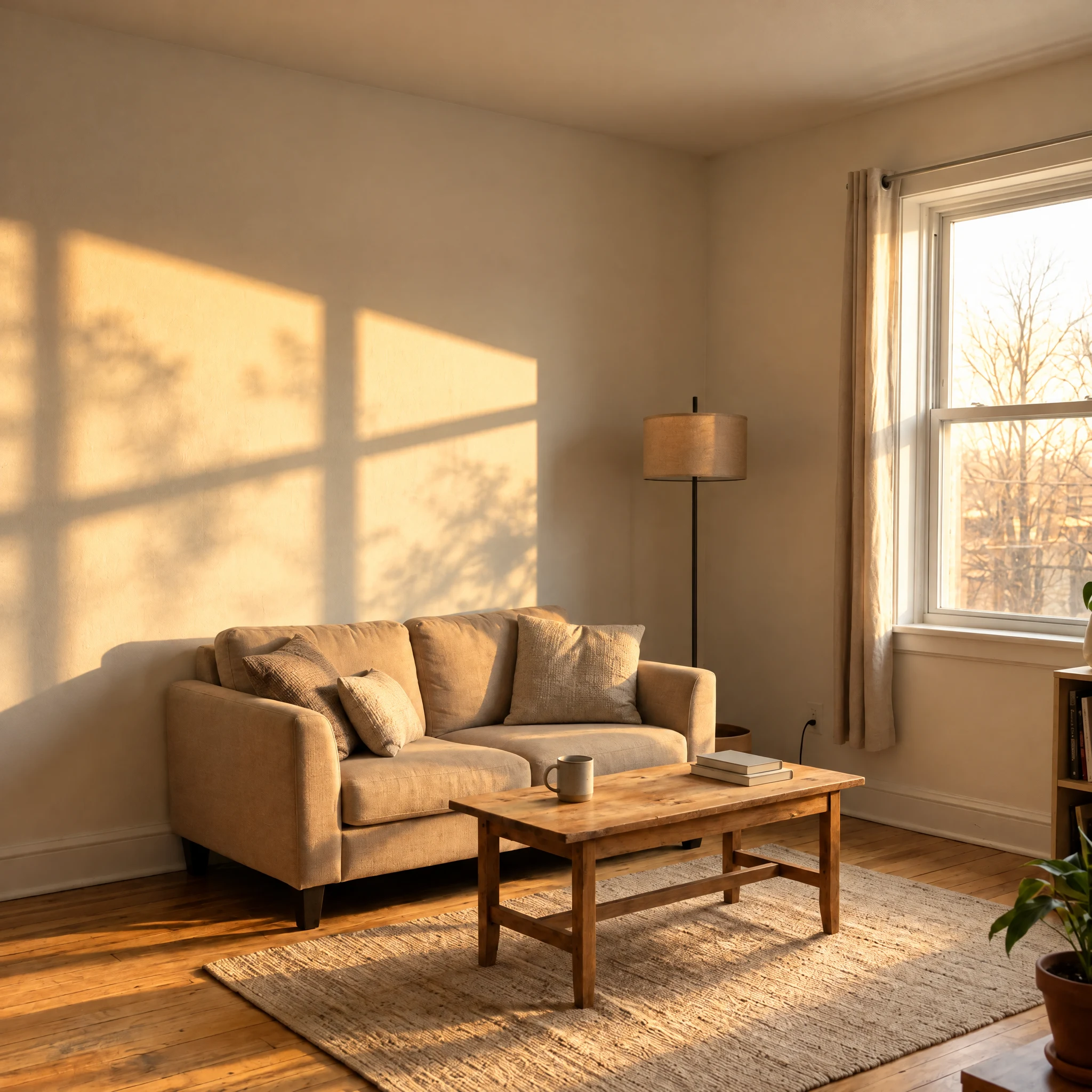
 Before
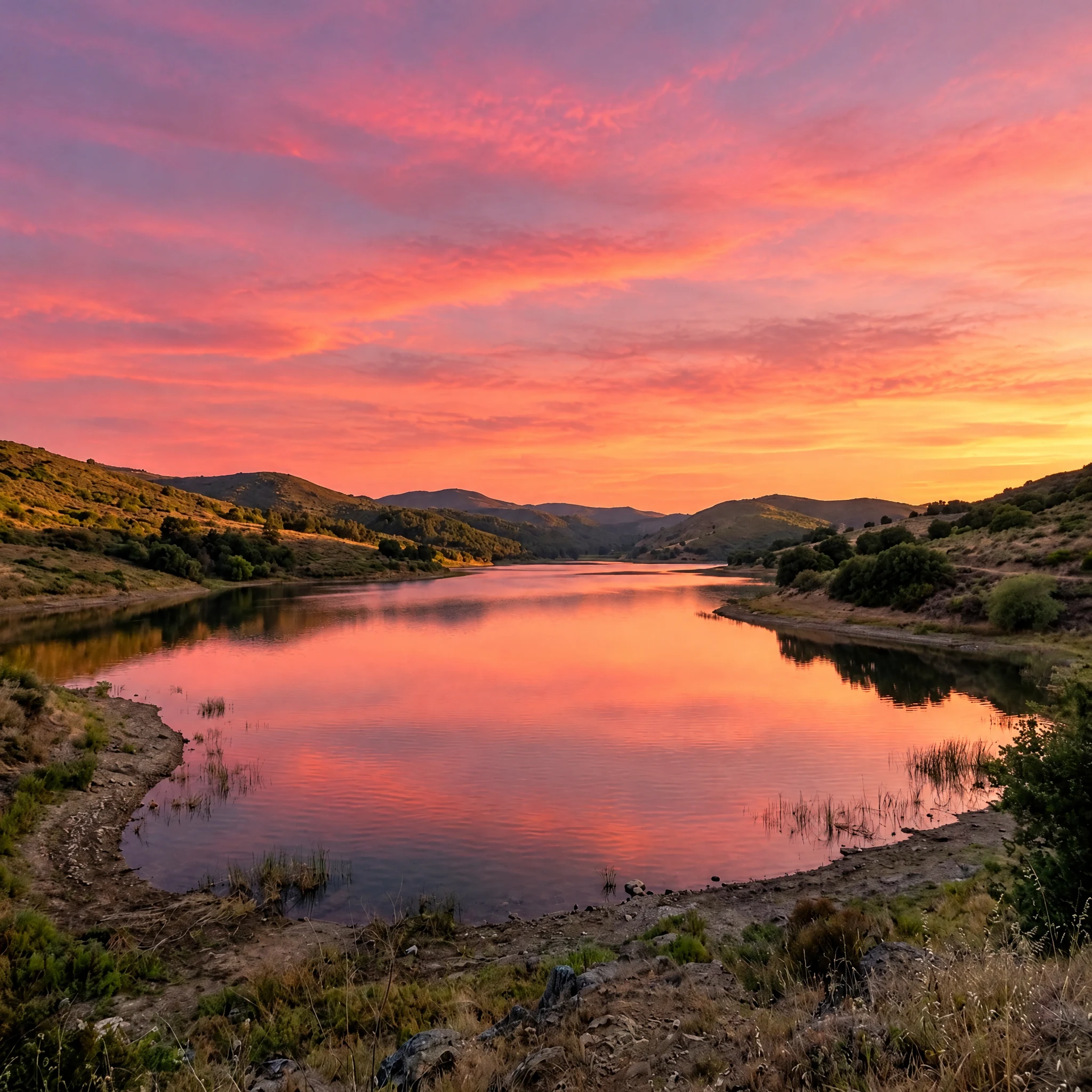
 Before
 Before
 Before
Most photo editors ask you to learn their tools first: masks, curves, layers, blend modes. Lenskoi goes the other way. You upload the photo you have, write what should be different, and the model rebuilds the image with that change applied. If you can describe the picture you want, you can make it.
That makes it a good fit for the photos people actually take — a phone snapshot of a dog on a sofa, a watch on a cluttered desk, a spare room photographed for a listing, a plate of food under a kitchen bulb, a lake on a grey afternoon. The photo is already good enough; it just needs different light, a cleaner background, or a sky that matches the mood.
You are not painting on the photo. The model reads the whole frame, understands what is in it, and produces a new image that aims to keep the parts you did not mention. The sentence is the whole interface.
These are the changes this tool handles well, with example sentences for each.
Turn flat indoor light into warm late-afternoon sun, soften a harsh flash, or lift a photo that came out darker than the room felt. Say which light you want and where it should fall.
Replace a busy street behind a portrait with a plain studio wall, or a cluttered kitchen behind a product with a clean surface. The model rebuilds what is behind the subject and aims to keep the subject in place.
A grey sky becomes a pink sunset, a clear blue afternoon, or soft overcast. Water and glass are rebuilt under the same new light as the rest of the frame.
Move a bowl from a white table onto rustic wood, put a watch on dark slate, or add a folded napkin beside a plate. Small scene changes that would take a studio to shoot.
Warm a cool photo up, cool a warm one down, or push a scene toward a film-like palette. Useful when a set of photos has to look like it came from the same day.
Remove a distraction at the edge of the frame, tidy a surface, or straighten the look of a shelf. Ask for one change at a time and check the result before you ask for the next.
Three steps, no software to install.
A JPG, PNG or WebP up to 3 MiB. The largest original you have works best; a screenshot keeps much less detail than the file your camera wrote.
One clear sentence beats a paragraph. "Turn the sky into a warm pink sunset" tells the model more than "make it prettier". The edit aims to leave everything you did not mention as it was.
Choose 1K to check the idea, 2K for most screens, or 4K for print. The result is saved to your account, so you can close the tab and come back to it.
The same engine at three output sizes. The price is per edit and is shown before you generate.
About 1 megapixel: square test photos came back between 1024 × 1024 and 1254 × 1254. The cheapest way to test whether a sentence gives you the picture you have in mind.
About 4 megapixels: a 3:2 photo came back at 2512 × 1664. Sharp on a phone, a laptop screen and most social sizes. This is the tier to use for a finished photo.
About 8 megapixels: a square photo came back at 2880 × 2880. For printing, a large display, or cropping into a detail after the edit.
Aspect ratio follows your upload: a square photo stays square and a tall photo stays tall, so the exact pixel size of a result varies with the shape of the original. Switching tier keeps your photo and your sentence, so you can run the same idea at a different size.
Portraits are allowed, with one rule that is not negotiable.
Only upload a photo of yourself, or of an adult who has clearly agreed to this use of their picture. Everyone in the photo must be 18 or older, and no public figures are allowed — no celebrities, politicians, athletes or anyone else whose likeness is not yours to edit.
Every new photo gets one confirmation before its first edit: a dialog that states the rule above, with a confirm button. The edit does not run until you accept it, and there is no permanent checkbox on the page. A photo with a face cannot be edited until that confirmation is given; a photo of a pet or a coffee cup asks the same question once, and you answer it the same way.
Both sides of the edit are checked automatically. The upload is screened before any credits are spent, and the finished image is screened again before it reaches your account, including a check for faces that appear in the result. If either check flags the content, the edit is stopped or withheld and the credits come back.
Do not use the tool to impersonate anyone, to put a real person into a scene they were never in, or to make a picture that could be mistaken for a real photograph of someone. That is the line, and it is enforced by the checks above rather than by a warning alone.
Your photos are yours. Nothing you upload is published.
Uploads and results are stored in private storage. They are reachable only through short-lived signed links tied to your account, so a URL that leaks stops working instead of exposing the file forever. There is no public gallery and no feed: nothing you make appears anywhere else on this site.
The photo you upload is sent to the image model that performs the edit, and both the upload and the result pass through automatic content checks. We do not sell your photos. This site has no self-service delete: to remove a result or close your account, email support@lenskoi.com and we handle it for you.
The full detail — which processors touch which data, and for how long — is in the privacy policy. If anything there is unclear, the support address at the bottom of this page reaches a person.
Knowing the limits saves credits.
An edit is a new picture, not a repaired pixel grid. Fine detail can shift: small text on a label may come out as different letters, a logo may change shape, and repeated patterns such as fabric weave or brickwork may not line up with the original exactly. Check the result before you rely on it for anything that has to be exact.
Faces are the hardest part. A portrait keeps the person, but fine features can drift slightly, which is why this tool is not the right choice for an ID photo or anything that has to match a face precisely.
If the subject is barely visible — an extremely dark photo, a tiny object in a wide shot, heavy blur — there is not enough information in the frame for a clean result, and a new photo will always beat a heavy edit.
A sentence that asks for two contradictory things, or for a change that removes the subject entirely, will produce something unpredictable. Ask for one change, look at it, then ask for the next one. The model also cannot add text: any words in your photo may be replaced or dropped, so add lettering afterwards in a tool built for it.
Yes. Sign up with an email address; no card is needed. New accounts get 2 credits, which is one 2K edit or two 1K edits.
1K costs 1 credit, 2K costs 2 credits and 4K costs 4 credits. The price appears on the Generate button before anything is charged, and the credit cost never changes because of how long the edit takes.
Credits are debited when the edit starts. If the model reports a failure, or the finished image does not pass the automatic safety check, those credits are returned to your balance once, automatically. If we cannot confirm what happened at the model, we keep the task open and check it again rather than charging you for a result you never saw.
Only an adult who has agreed to this use of their picture, and never a public figure. Everyone in the frame must be 18 or older. Each new photo asks you to confirm this before its first edit, and a photo with a face cannot run until that confirmation is given.
Yes. The model works at the shape of your upload, so nothing is cropped or stretched. The size you choose sets how many pixels come back, not the proportions; the exact dimensions follow the aspect ratio of your original.
Start at 1K if you are still deciding on the sentence: about 1 megapixel, measured between 1024 × 1024 and 1254 × 1254 on square photos. Use 2K, about 4 megapixels (2512 × 1664 on a 3:2 photo), for a photo you intend to keep. Use 4K, about 8 megapixels (2880 × 2880 on a square photo), when you plan to print it or crop into a detail.
The model interprets your sentence rather than executing it literally, and it rebuilds the whole frame. Small details such as text, logos and repeated patterns can change. If the direction is right but the result is not, tighten the sentence — name the light, the surface or the part of the frame you mean.
JPG, PNG or WebP up to 3 MiB. Send the largest original you have rather than a screenshot; the model can only work from the detail that is actually in the file.
Only you. Uploads and results sit in private storage behind short-lived signed links tied to your account, and there is no public gallery. To delete a result or close your account, email support@lenskoi.com.
No. The editor is told to leave lettering out, because image models tend to garble words. Add text afterwards in a design tool where you control the font and placement.